AI-powered learning
Save this course
WordPress—A Complete Guide
Gain insights into building custom WordPress themes using PHP and JavaScript. Delve into theme basics, advanced post types, and dynamic sites via the WordPress REST API to expand job opportunities.
4.8
84 Lessons
25h
Updated today
Join 3 million developers at
Join 3 million developers at
LEARNING OBJECTIVES
- Hands-on experience in creating custom and interactive themes using WordPress
- Familiarity with PHP to manipulate the data of WordPress websites
- Working knowledge of JavaScript to perform actions in real time
- The ability to convert any static HTML template to an interactive WordPress theme
- The ability to leverage the WordPress REST API and create custom REST routes
Learning Roadmap
2.
Introduction
Introduction
Get started with WordPress development, local setup, custom themes, template hierarchy, and PHP integration.
3.
Theme files
Theme files
3 Lessons
3 Lessons
Work your way through the WordPress Loop, templates, and cohesive site structure.
4.
Customizing WordPress Theme
Customizing WordPress Theme
5 Lessons
5 Lessons
Apply your skills to customize WordPress themes using HTML templates and dynamic navigation menus.
5.
Basic Website Design
Basic Website Design
4 Lessons
4 Lessons
Take a closer look at WordPress homepage, blog post, single post, and archive page design.
6.
Custom Post Types
Custom Post Types
3 Lessons
3 Lessons
See how it works to register, display single posts, and archive custom post types in WordPress.
7.
Custom Fields
Custom Fields
4 Lessons
4 Lessons
Master custom fields in WordPress to enhance site functionality and customization efficiently.
8.
Custom Queries
Custom Queries
6 Lessons
6 Lessons
Learn how to use custom queries to enhance WordPress data display and functionality.
9.
Relationships between Post Types
Relationships between Post Types
3 Lessons
3 Lessons
Walk through creating and displaying post type relationships using custom fields in WordPress.
10.
Working with Images
Working with Images
4 Lessons
4 Lessons
Work your way through assigning thumbnails, displaying them on the frontend, and customizing image sizes in WordPress.
11.
JavaScript for WordPress
JavaScript for WordPress
4 Lessons
4 Lessons
Enhance your skills in utilizing JavaScript tools and building dynamic, user-friendly live search features on WordPress.
12.
WordPress REST API
WordPress REST API
4 Lessons
4 Lessons
Solve problems in interacting with the WordPress REST API, formatting JSON, and custom fields.
13.
Custom REST API
Custom REST API
4 Lessons
4 Lessons
Implement advanced search capabilities using a custom WordPress REST API for efficient data retrieval.
14.
Non-JavaScript Search
Non-JavaScript Search
2 Lessons
2 Lessons
Practice using non-JavaScript search features to enhance WordPress accessibility and customization.
15.
CRUD Operations on the WordPress REST API
CRUD Operations on the WordPress REST API
6 Lessons
6 Lessons
Get familiar with CRUD operations using the WordPress REST API for lecture notes.
16.
User Roles and Permissions
User Roles and Permissions
5 Lessons
5 Lessons
Unpack the core of managing WordPress user roles, privacy, post limits, and security practices effectively.
17.
WordPress Block Editor
WordPress Block Editor
11 Lessons
11 Lessons
Master the steps to customize WordPress websites using the Block Editor's dynamic features.
18.
Plugin Development
Plugin Development
5 Lessons
5 Lessons
Grasp the fundamentals of developing, configuring, and securing WordPress plugins for enhanced site functionality.
20.
Appendix
Appendix
4 Lessons
4 Lessons
Follow the process of installing key tools for WordPress development and managing databases.
Certificate of Completion
Showcase your accomplishment by sharing your certificate of completion.
Complete more lessons to unlock your certificate
Developed by MAANG Engineers
ABOUT THIS COURSE
Expertise in creating interactive WordPress themes is highly sought after and will help open up many job opportunities for you. In this course, you will learn PHP and JavaScript to code your way toward building custom solutions for your clients.
You’ll start with the basics of a WordPress theme, including blog listing, single posts, and archive pages, by creating a website for a fictitious school using an HTML template, thereby learning how to convert any static HTML template into an interactive WordPress theme. Then, you will move on to advanced topics such as creating your post types, querying the WordPress database with custom arguments, and linking content using post type relationships.
Next, you will learn how to make dynamic websites using JavaScript to interact with the WordPress REST API. By the end of this course, you will have a wide set of tools to work with to build whatever you can imagine with WordPress.
ABOUT THE AUTHOR

DataJek
A bay area tech outfit, throwing lots of good ideas on the wall to see what sticks!
Trusted by 3 million developers working at companies
A
Anthony Walker
@_webarchitect_
E
Evan Dunbar
ML Engineer
S
Software Developer
Carlos Matias La Borde
S
Souvik Kundu
Front-end Developer
V
Vinay Krishnaiah
Software Developer
Built for 10x Developers
No Passive Learning
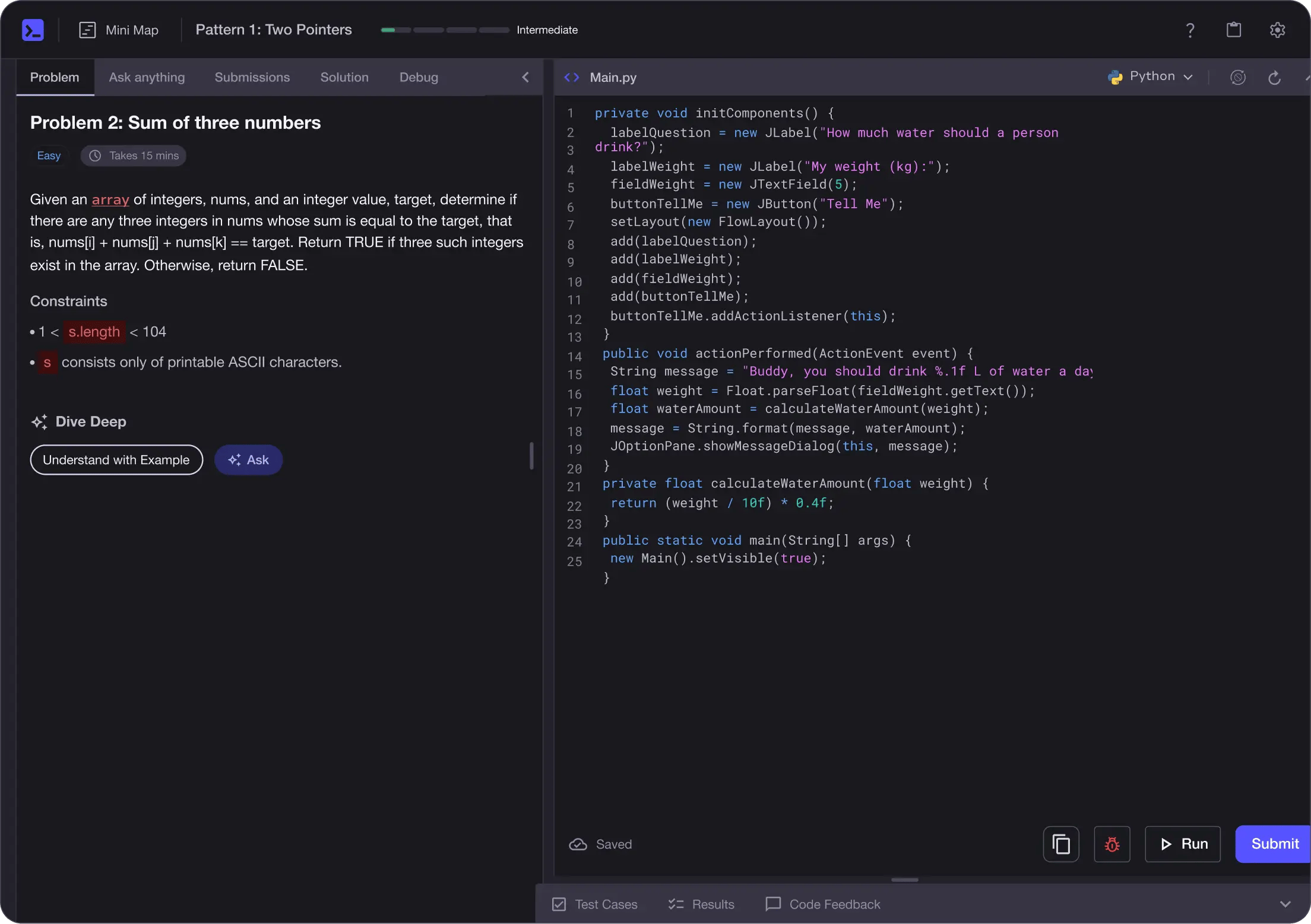
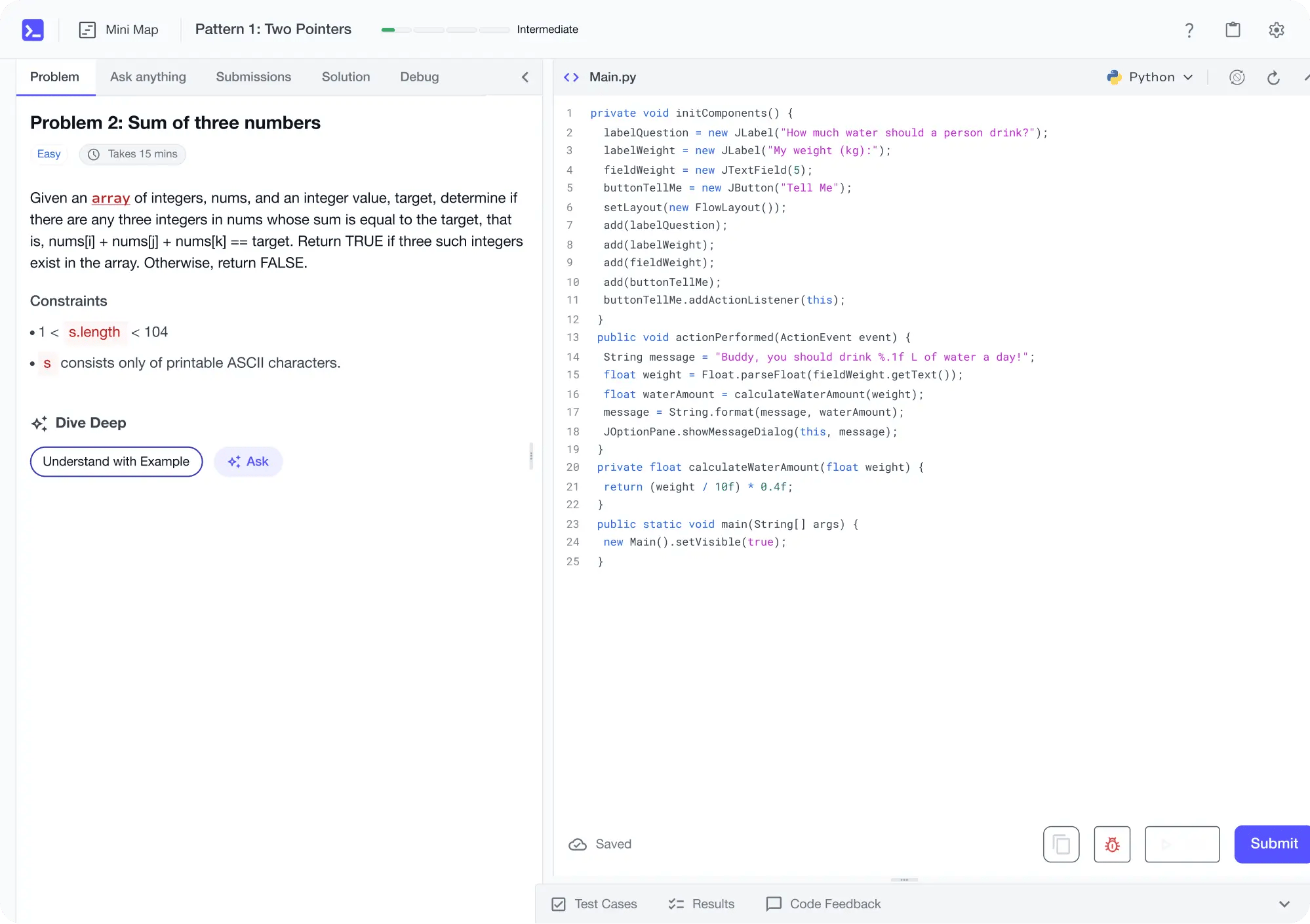
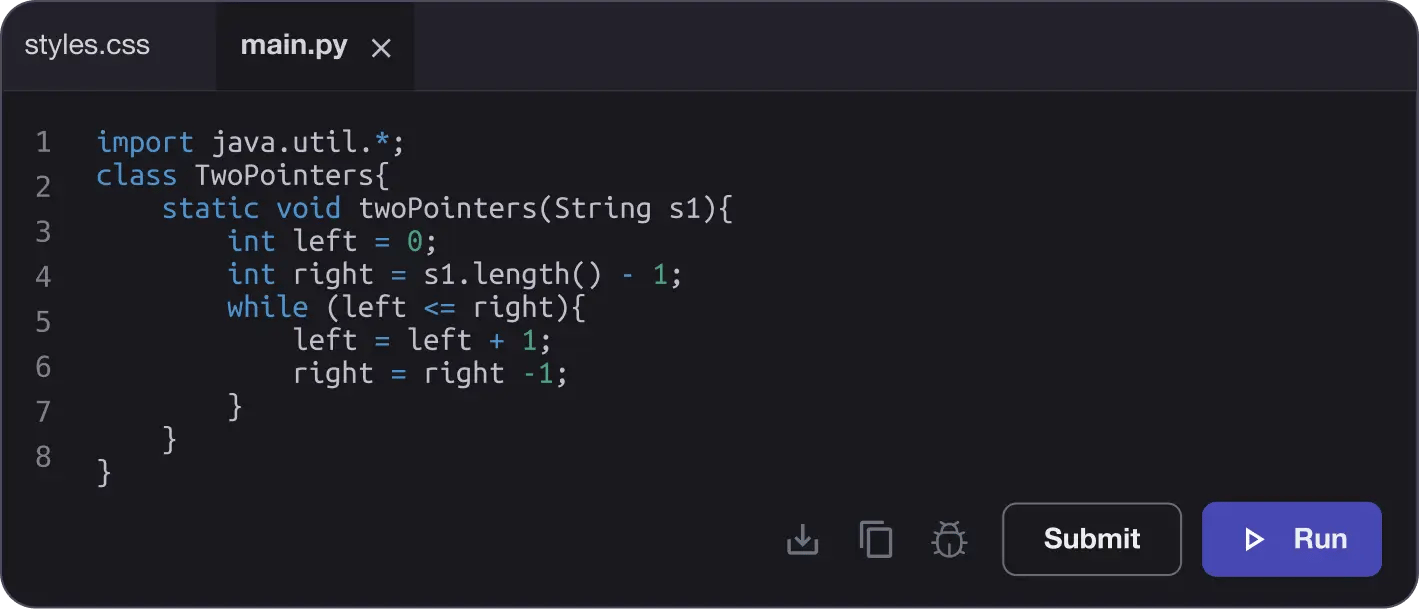
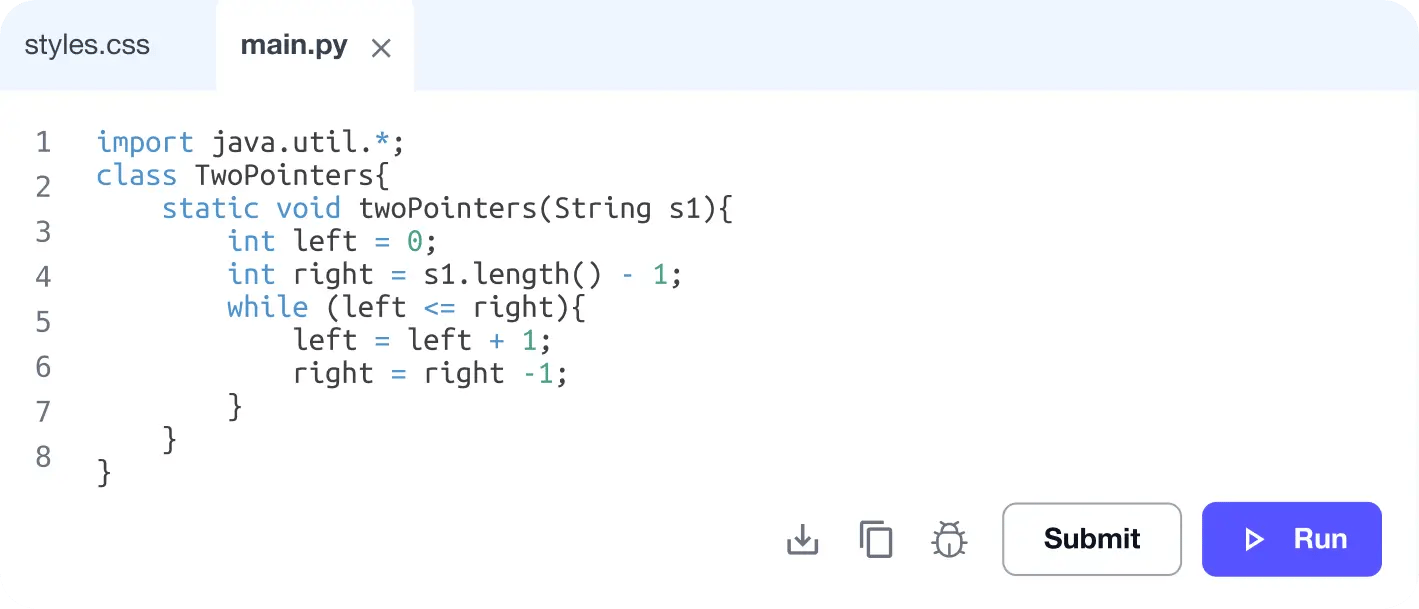
Learn by building with project-based lessons and in-browser code editor
Personalized Roadmaps
The platform adapts to your strengths & skills gaps as you go


Future-proof Your Career
Get hands-on with in-demand skills
AI Code Mentor
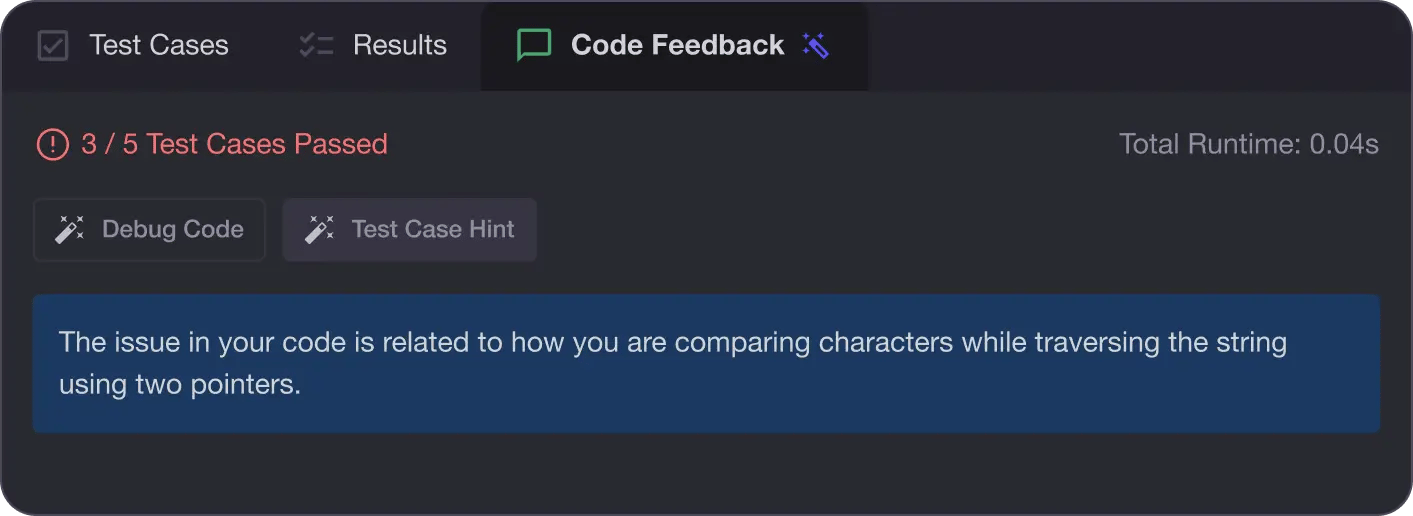
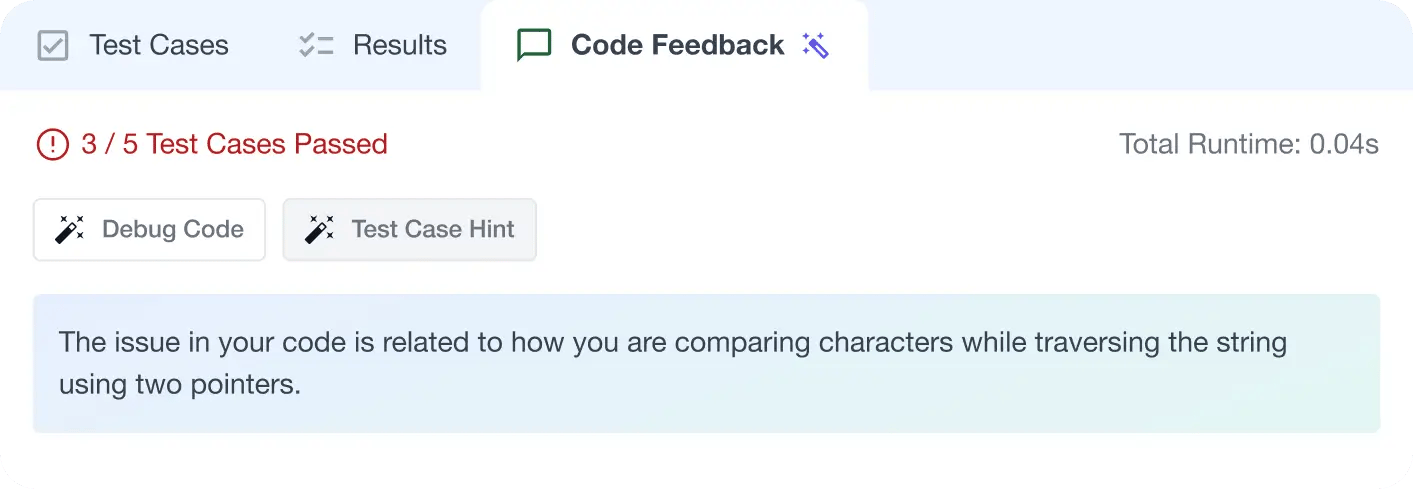
Write better code with AI feedback, smart debugging, and "Ask AI"
MAANG+ Interview Prep
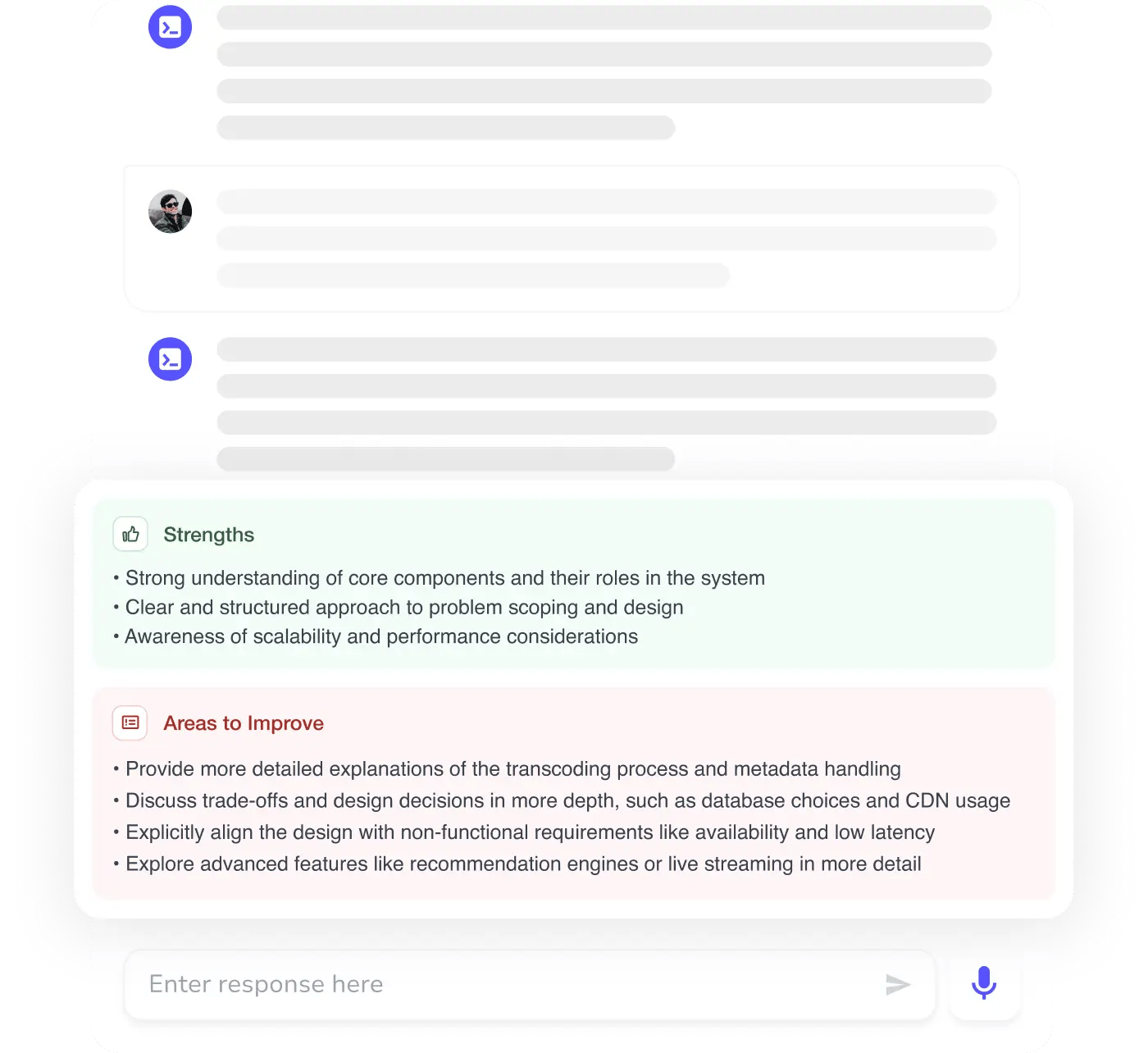
AI Mock Interviews simulate every technical loop at top companies

Free Resources