Gradio is used to quickly create customizable web interfaces for machine learning models, allowing users to easily interact with and test models through a simple and intuitive user interface.
AI-powered learning
Save this course
Machine Learning Applications in Gradio
Learn Gradio with an in-depth Gradio course to build and deploy machine learning demos, use pretrained models, and create interactive user interfaces and dashboards.
4.8
45 Lessons
3h
Join 3.1 million developers at
Join 3.1 million developers at
LEARNING OBJECTIVES
- An understanding of Gradio and its application to building machine learning applications
- Familiarity with the core components of Gradio
- Hands-on experience building machine learning applications and dashboards using Gradio
- An understanding of Hugging Face and its integration with Gradio
- The ability to deploy and share Gradio applications using Hugging Face
Learning Roadmap
1.
Getting Started with Gradio
Getting Started with Gradio
Explore Gradio for rapid prototyping and building interactive machine learning applications.
2.
Displaying Components in Gradio
Displaying Components in Gradio
Explore Gradio’s components for interactive applications, enhancing user engagement and data display.
3.
Block Layouts in Gradio
Block Layouts in Gradio
6 Lessons
6 Lessons
Explore Gradio’s layout elements for customizable, interactive machine learning applications.
4.
Interactive Components in Gradio
Interactive Components in Gradio
7 Lessons
7 Lessons
Explore interactive Gradio components like checkboxes, dropdowns, and sliders for dynamic user engagement.
5.
Dashboarding with Gradio
Dashboarding with Gradio
5 Lessons
5 Lessons
Explore data visualization techniques and real-time dashboards using Gradio and pandas.
6.
Deploying Machine Learning Model in Gradio
Deploying Machine Learning Model in Gradio
5 Lessons
5 Lessons
Build interactive machine learning applications with Gradio, integrating data, models, and user interfaces.
7.
Chatbots with Gradio
Chatbots with Gradio
4 Lessons
4 Lessons
Explore chatbot creation and customization using Gradio and large language models.
8.
Integration with Hugging Face
Integration with Hugging Face
4 Lessons
4 Lessons
Explore Hugging Face’s features and integration with Gradio for efficient ML application development.
9.
Miscellaneous
Miscellaneous
3 Lessons
3 Lessons
Customize themes and deploy Gradio applications for enhanced user engagement.
Certificate of Completion
Showcase your accomplishment by sharing your certificate of completion.
Complete more lessons to unlock your certificate
Developed by MAANG Engineers
ABOUT THIS COURSE
Gradio is an open-source Python library that simplifies the process of creating user interfaces and applications for your machine learning models. With its intuitive interface, you can easily showcase your work and deploy applications.
In this course, you will be introduced to all the key features of Gradio. You will learn the tools to create a user interface dashboard and deploy your application. Next, we will look at connecting to your machine learning models or using pretrained models like OpenAI and Hugging Face. Finally, you will have the opportunity to get hands-on experience by building your application.
After completing this course, you can rapidly build demos of machine learning models and leverage powerful existing models. As AI and ML applications continue to gain traction, mastering Gradio is an invaluable skill that can set you apart in the field.
ABOUT THE AUTHOR
Jeffrey Lee
Senior Data Scientist at Suncorp Insurance with experience in banking, insurance, property, and financial services. I lead teams on projects including property valuation, churn prediction, fraud detection, and generative AI.
Trusted by 3.1 million developers working at companies
A
Anthony Walker
@_webarchitect_
E
Evan Dunbar
ML Engineer
S
Software Developer
Carlos Matias La Borde
S
Souvik Kundu
Front-end Developer
V
Vinay Krishnaiah
Software Developer
Built for 10x Developers
No Passive Learning
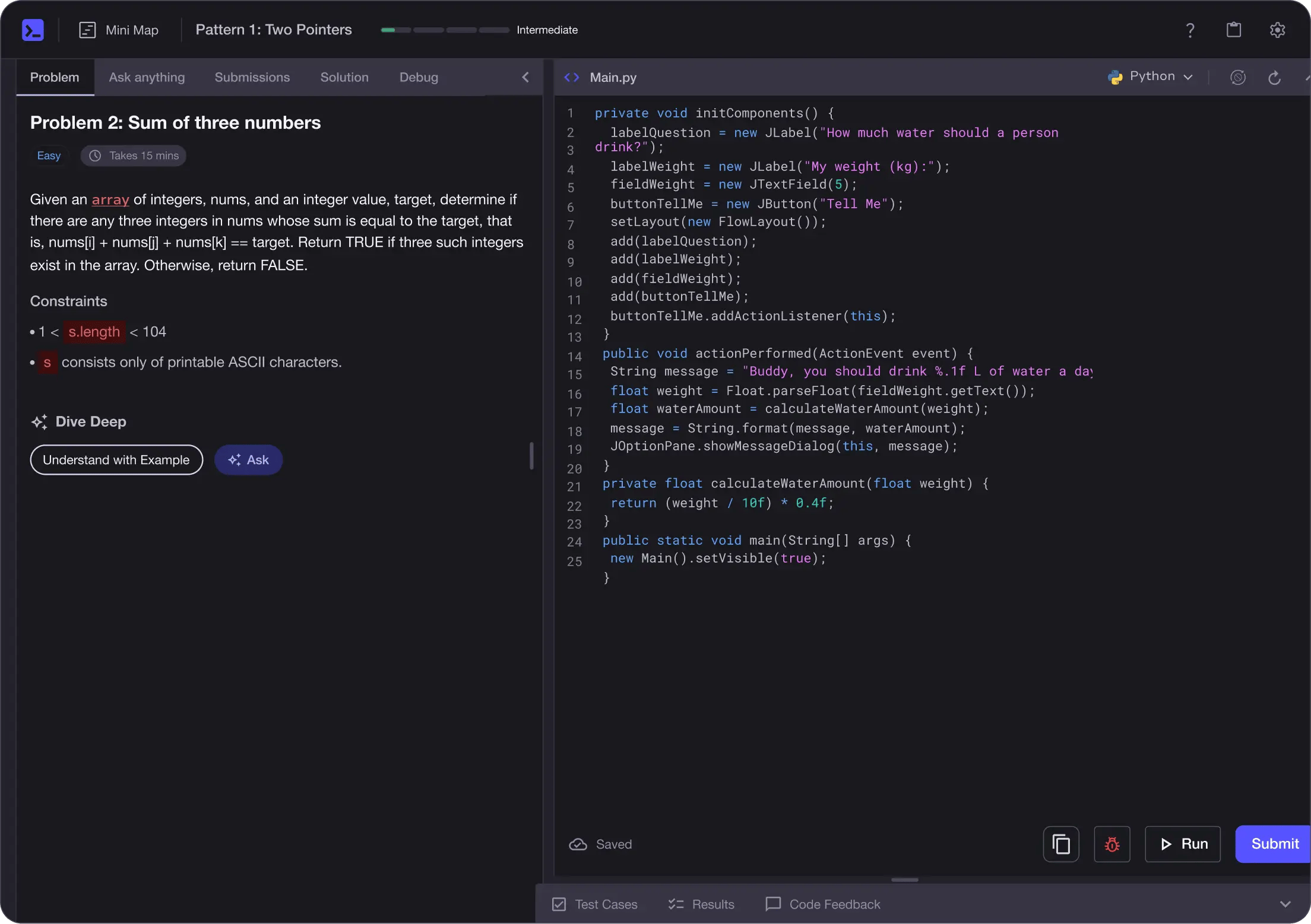
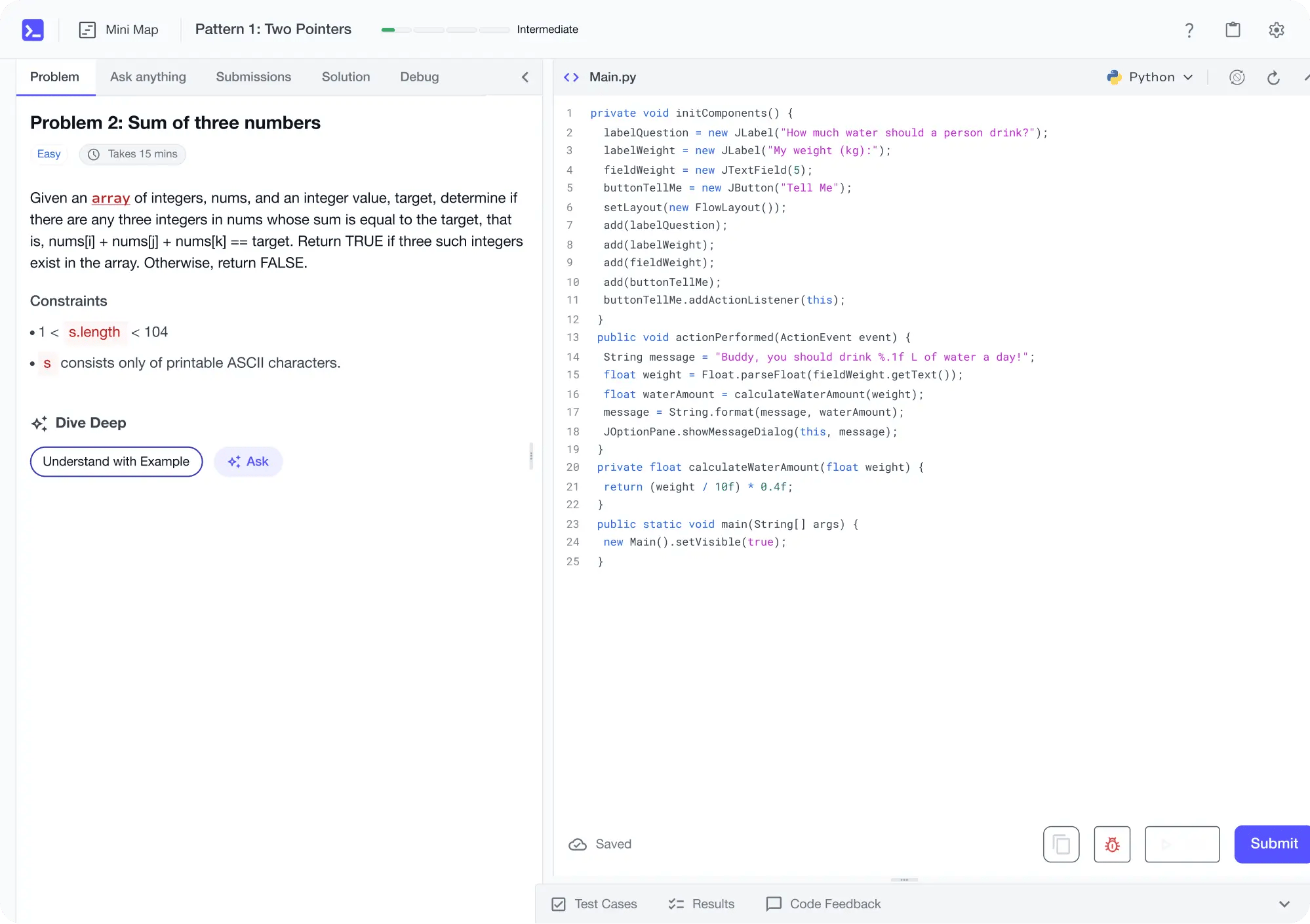
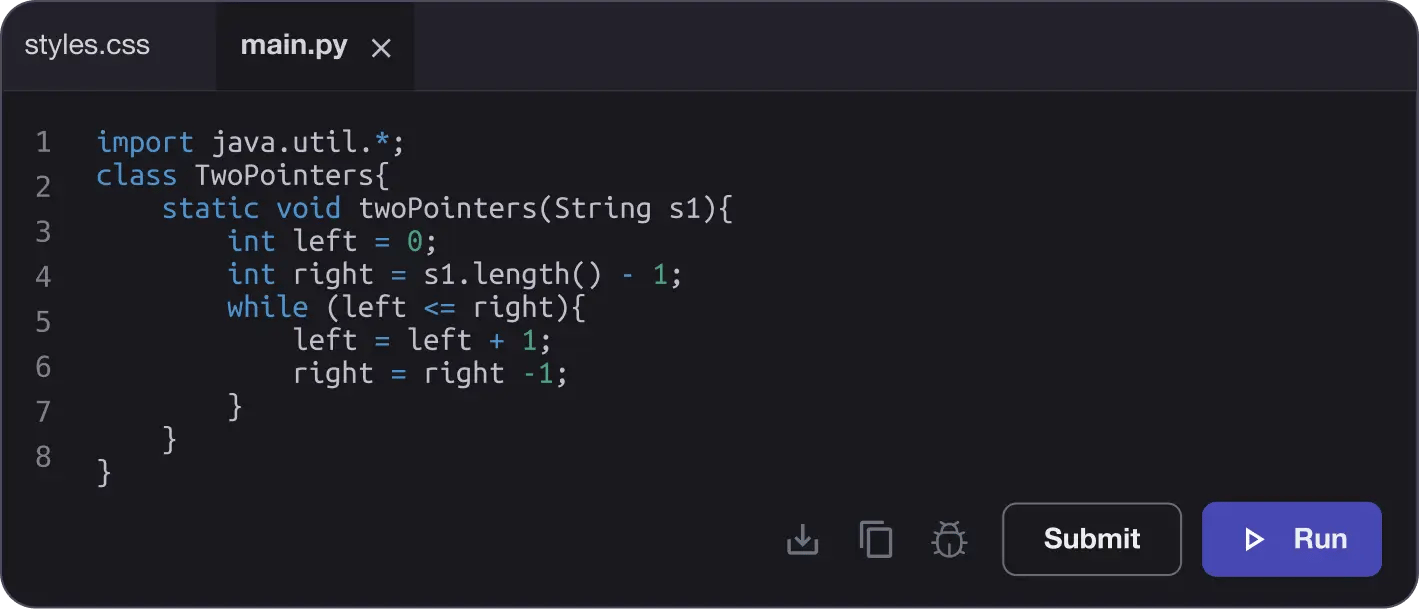
Learn by building with project-based lessons and in-browser code editor
Personalized Roadmaps
The platform adapts to your strengths & skills gaps as you go


Future-proof Your Career
Get hands-on with in-demand skills
AI Code Mentor
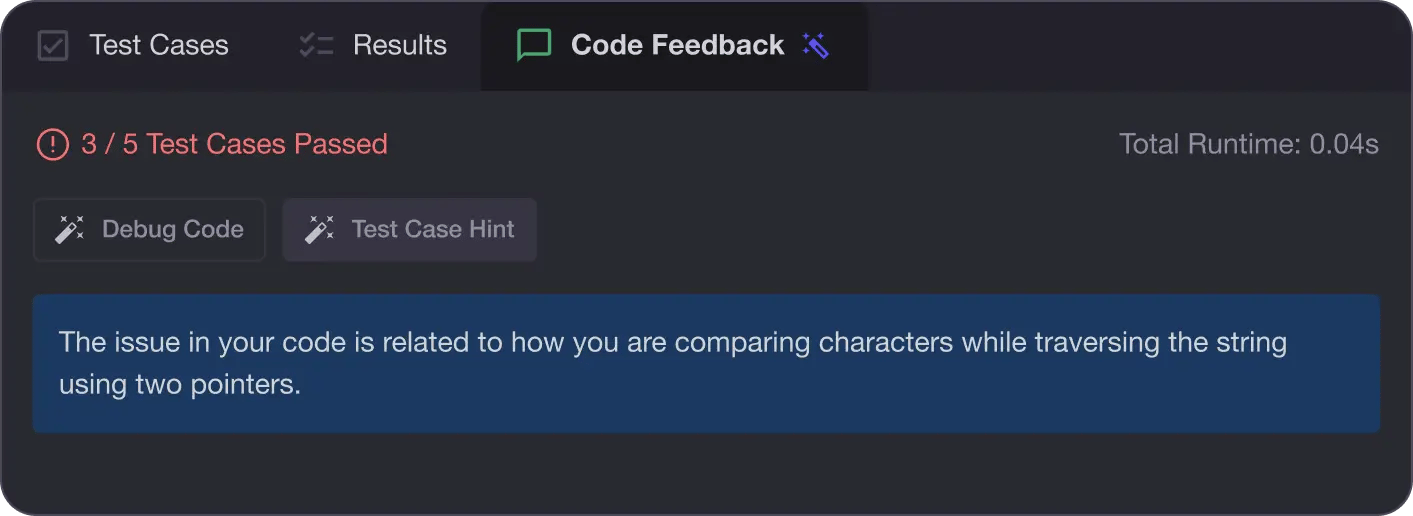
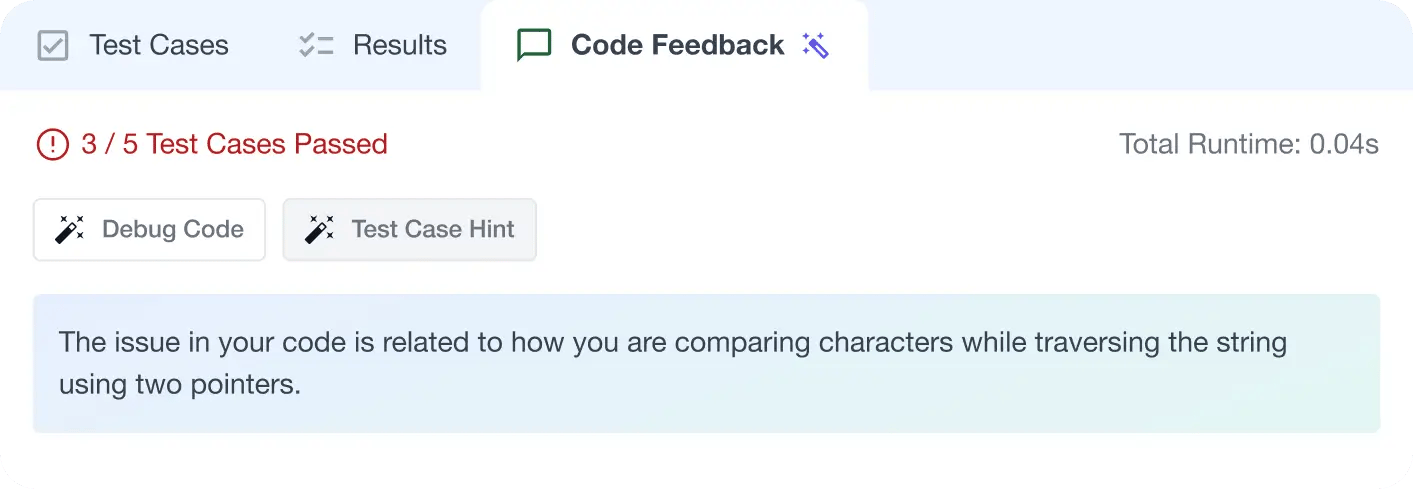
Write better code with AI feedback, smart debugging, and "Ask AI"
MAANG+ Interview Prep
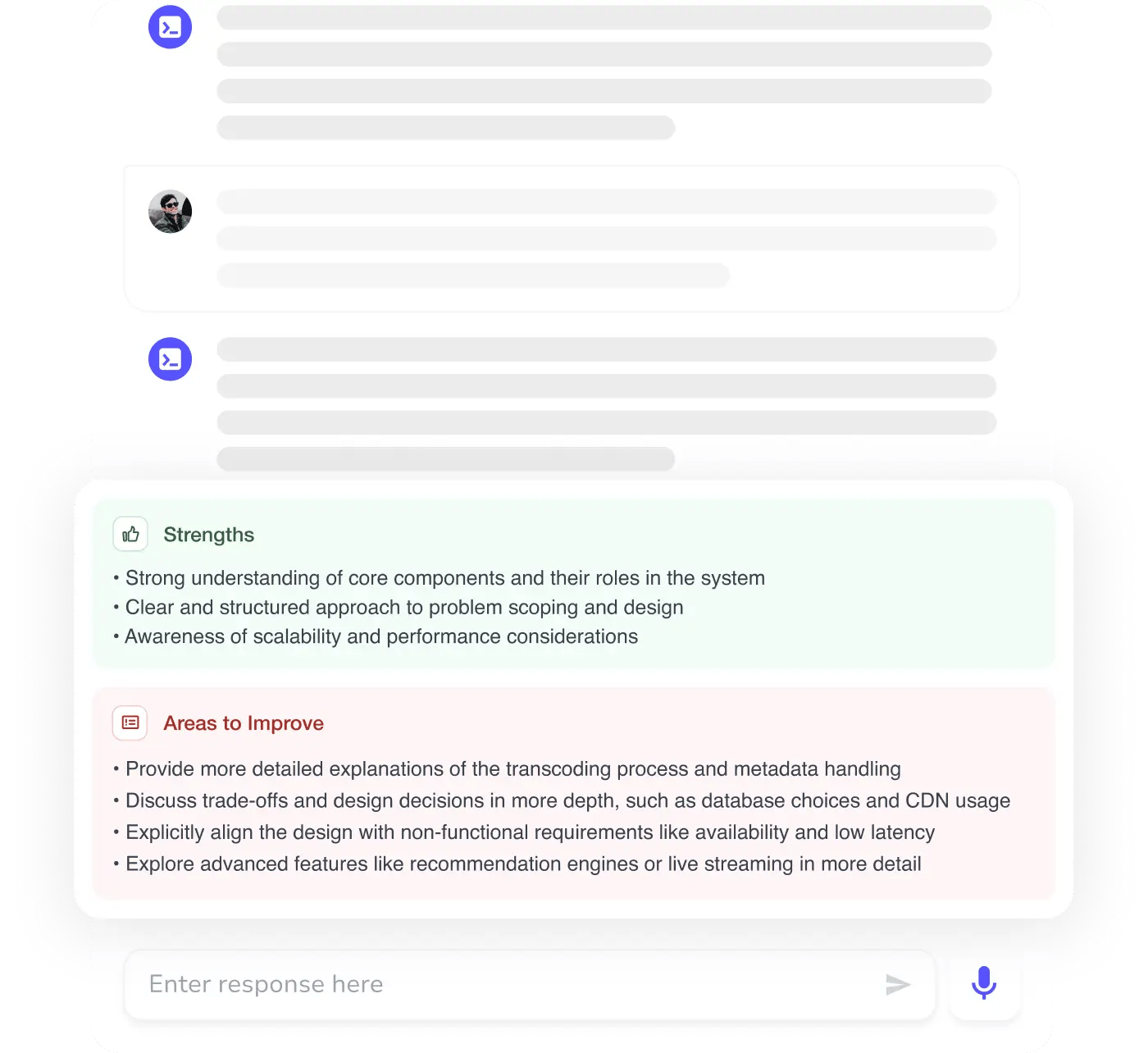
AI Mock Interviews simulate every technical loop at top companies

Free Resources