Yes, Git and GitHub are relatively easy to learn, especially with beginner-friendly courses like this one. The step-by-step lessons, practical exercises, and playgrounds provided in the course make the learning process straightforward, even for beginners with no prior experience.
Join 3 million developers at
Join 3 million developers at
LEARNING OBJECTIVES
- A foundational understanding of Git version control, including Git config, terminal commands, and snapshots for efficient version management
- Proficiency in managing Git commits, utilizing Git logs, and learning to undo changes with Git undo commit while mastering branching, renaming, and deleting branches
- The ability to handle remote repositories and synchronization using Git clone, Git fetch, and Git pull, and resolve Git merge conflicts for seamless collaboration
- Hands-on experience using Git commands such as Git stash, Git checkout, Git merge, Git revert, and Git rebase for effective project management and version control in software development
Learning Roadmap
1.
Introduction to Git
Introduction to Git
Discover how Git and version control simplify project management. Learn the importance of Git, terminal commands, and basic text editors like the echo command.
2.
Git Config
Git Config
Learn to set up Git config, create projects, use Git commit, view history with Git logs, undo changes with Git undo commit, and master basic Git commands.
3.
Git Branch
Git Branch
7 Lessons
7 Lessons
Master branching in Git: create, switch, rename, and delete branches using Git rename branch and delete branch, and manage changes with Git stash and Git checko
4.
Git merge
Git merge
4 Lessons
4 Lessons
Learn to merge branches with Git merge, handle Git merge conflicts, and resolve them effectively. Test your skills with a quiz on merging branches.
5.
GitHub
GitHub
9 Lessons
9 Lessons
Explore GitHub, create remote repositories, and use Git Clone, Git fetch, and pull. Learn to revert commits with Git revert and collaborate via pull requests.
6.
Git Rebase
Git Rebase
5 Lessons
5 Lessons
Learn Git rebase to streamline commits, resolve conflicts during rebasing, and compare Git rebase vs. Git merge. Review changes with Git logs and test your skil
Certificate of Completion
Showcase your accomplishment by sharing your certificate of completion.
Complete more lessons to unlock your certificate
Developed by MAANG Engineers
ABOUT THIS COURSE
This comprehensive course is your ultimate guide to learning Git and version control. You’ll start with the basics of Git version control, such as setting up your Git config and running basic terminal commands like the echo command. Then, you’ll explore GitHub as a development platform and understand Git snapshots.
You’ll advance your skills by creating and managing Git commits, undoing changes with Git undo commit, and reviewing your project’s history using Git logs. You’ll also tackle branching—learn how to rename or delete branches and confidently resolve Git merge conflicts. Additionally, you’ll master repository management with Git commands and organize changes using Git checkout, Git stash, and more.
After completing this course, you’ll be ready to use Git commands in your projects—a career-boosting skill for every software developer.
Trusted by 3 million developers working at companies
A
Anthony Walker
@_webarchitect_
E
Evan Dunbar
ML Engineer
S
Software Developer
Carlos Matias La Borde
S
Souvik Kundu
Front-end Developer
V
Vinay Krishnaiah
Software Developer
Built for 10x Developers
No Passive Learning
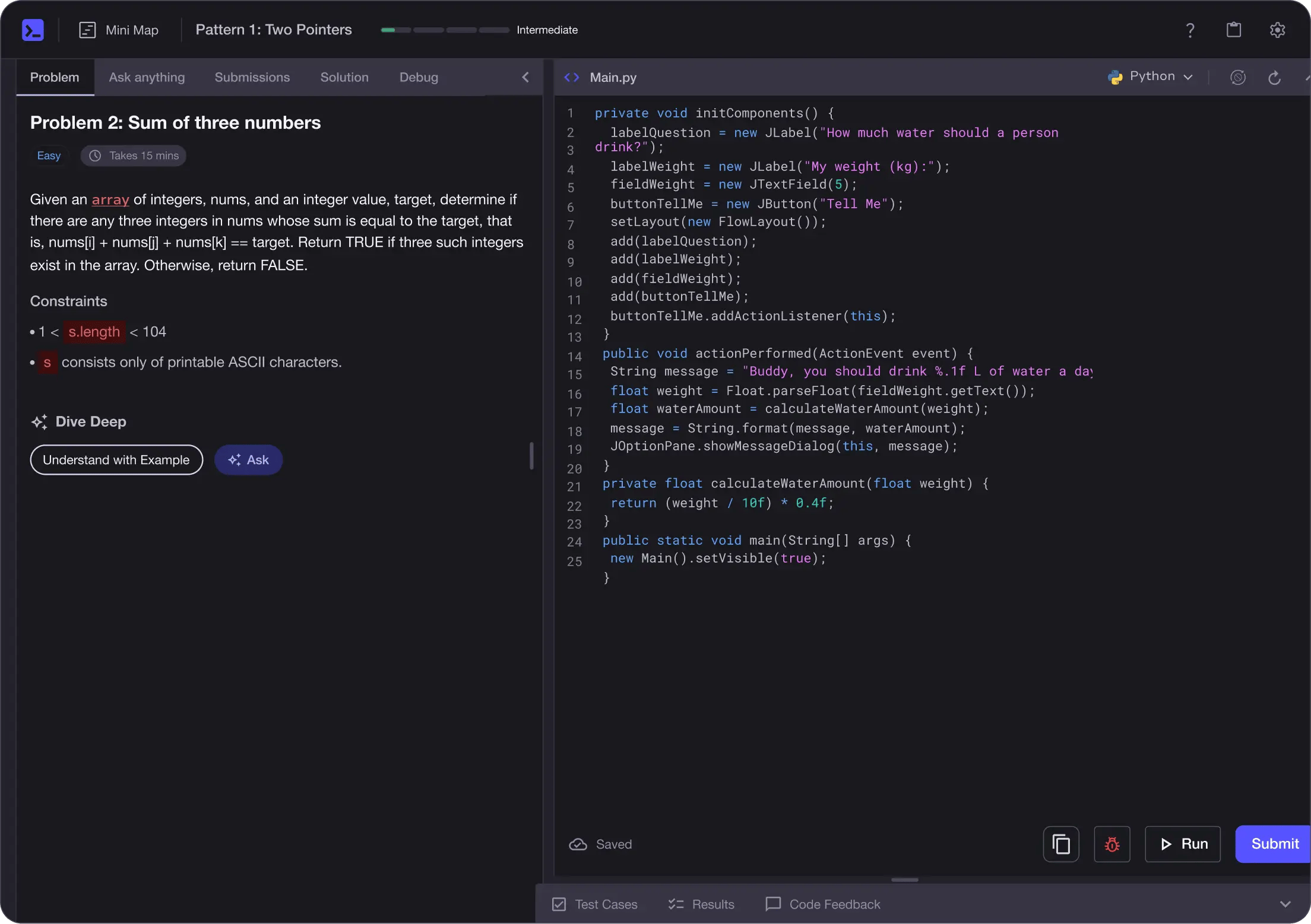
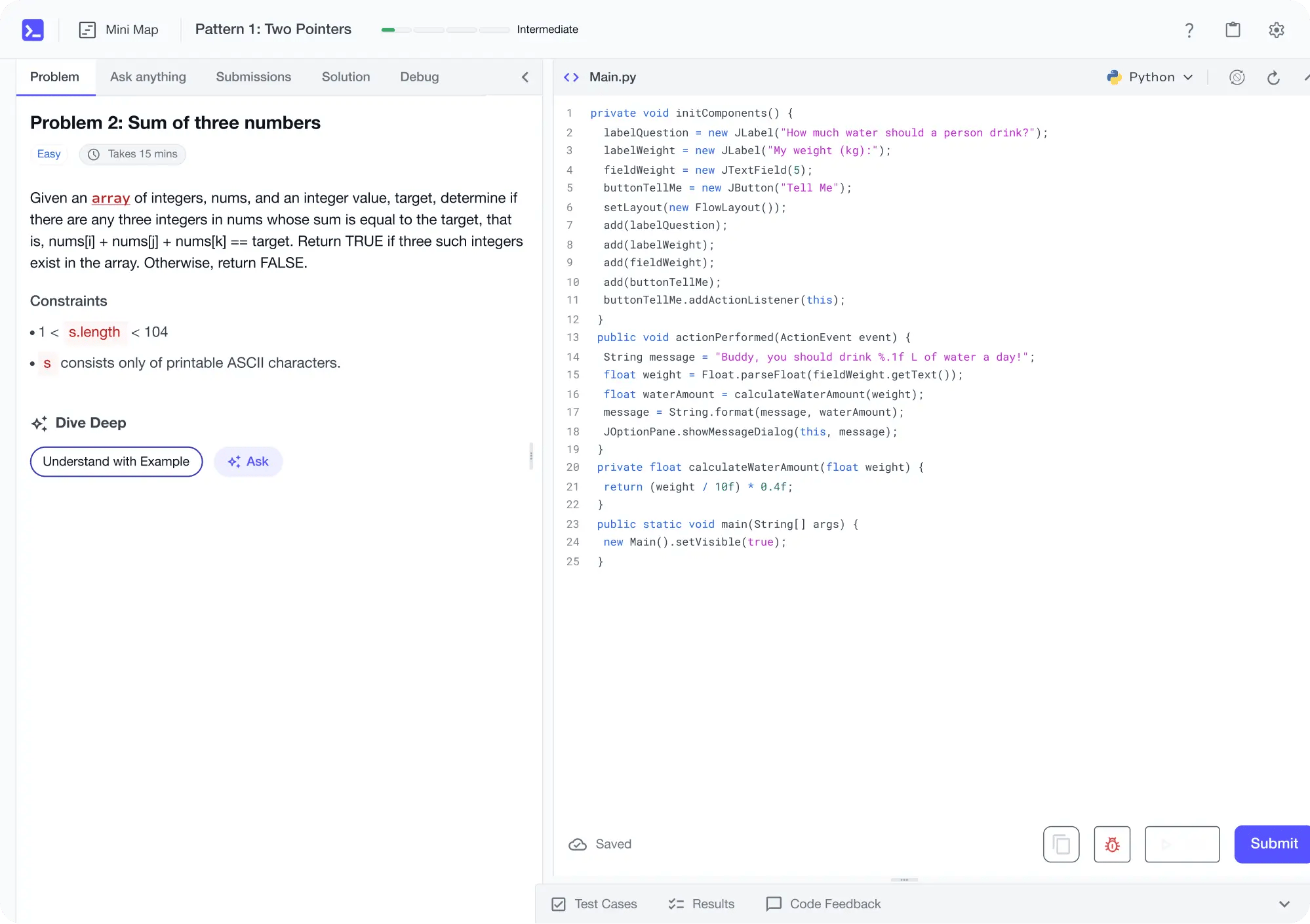
Learn by building with project-based lessons and in-browser code editor
Personalized Roadmaps
The platform adapts to your strengths & skills gaps as you go


Future-proof Your Career
Get hands-on with in-demand skills
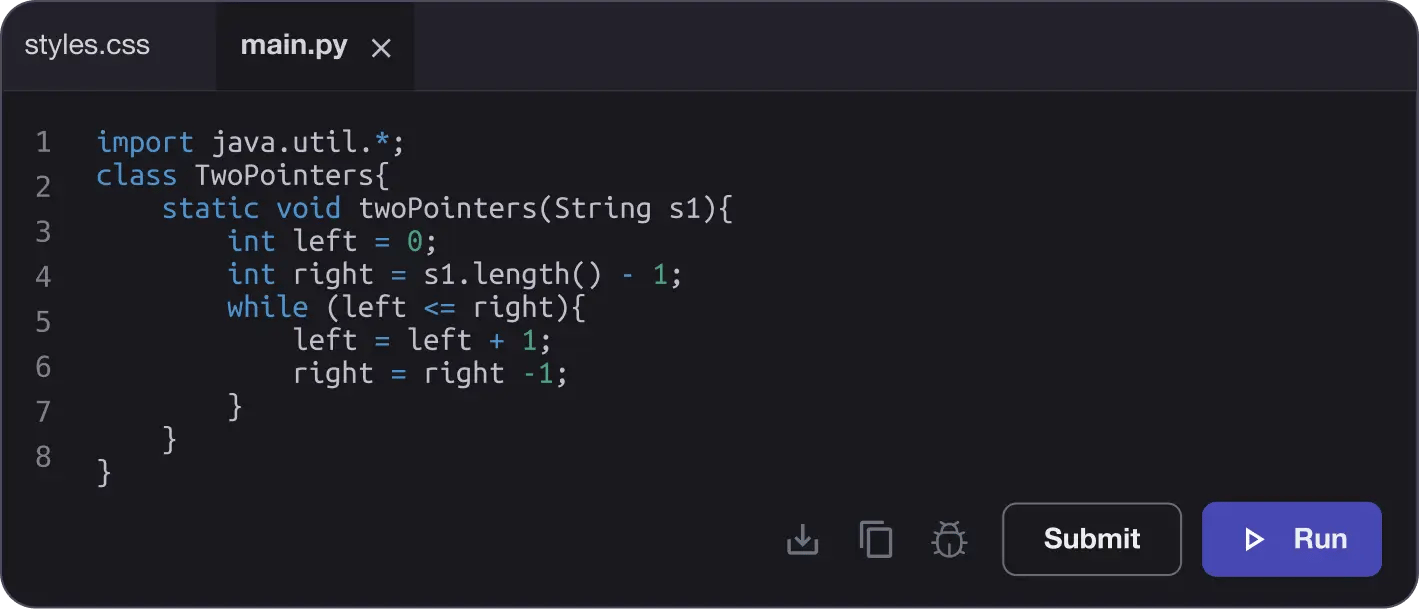
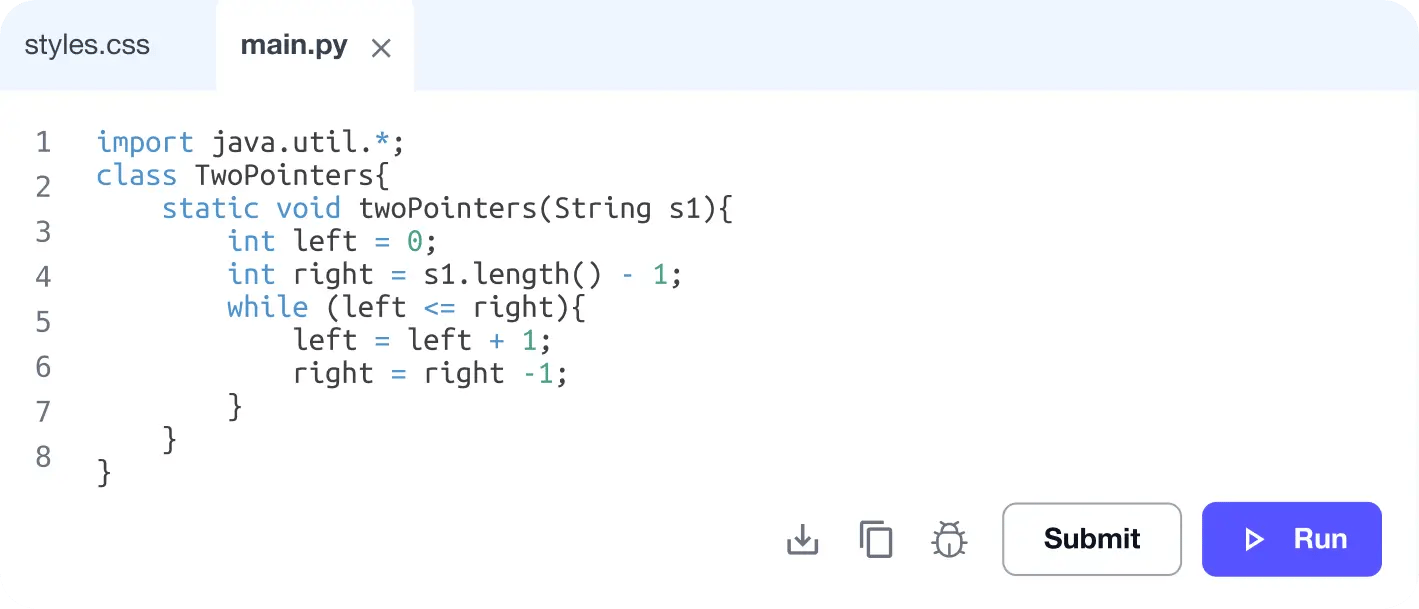
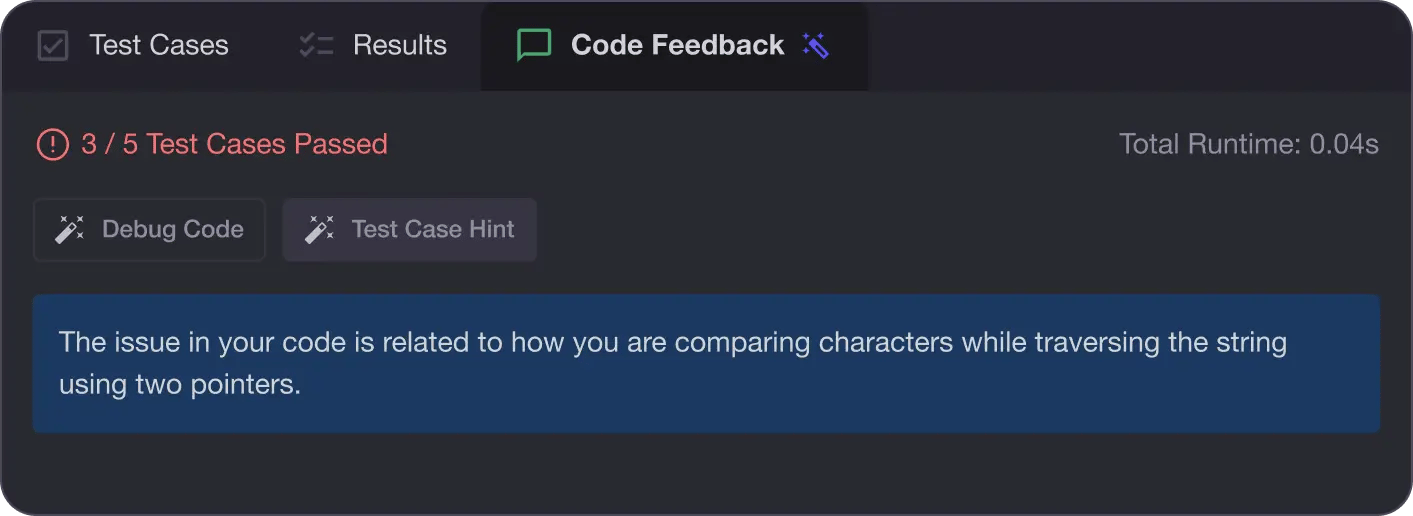
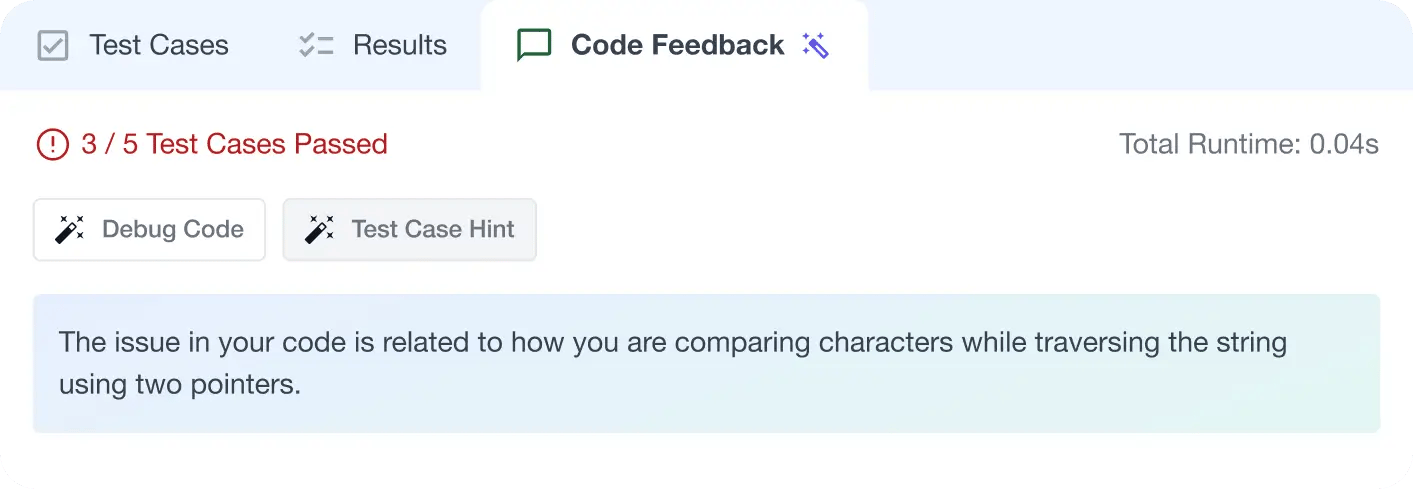
AI Code Mentor
Write better code with AI feedback, smart debugging, and "Ask AI"
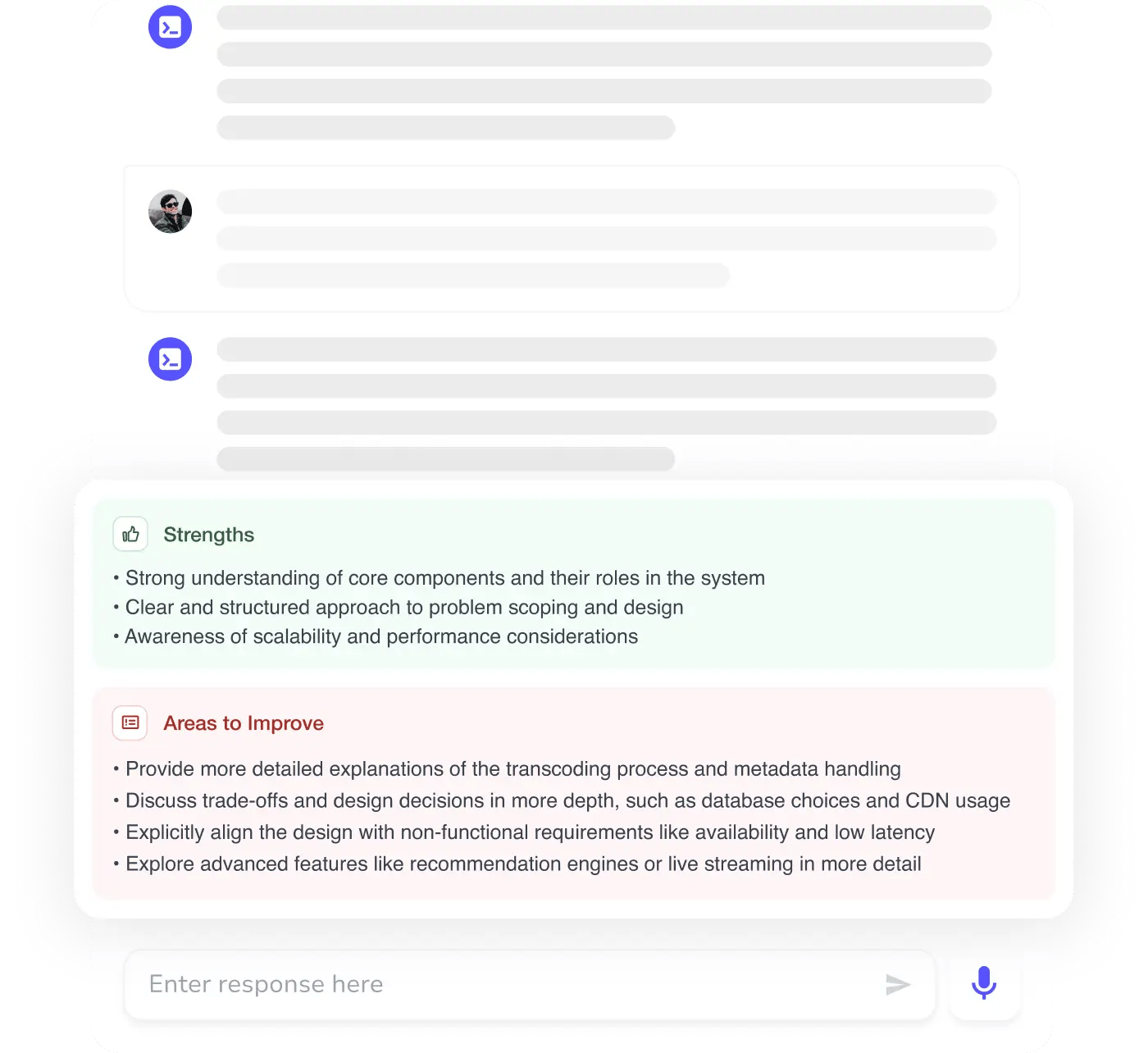
MAANG+ Interview Prep
AI Mock Interviews simulate every technical loop at top companies

Free Resources
Frequently Asked Questions
Are Git and GitHub easy to learn?
Where can I learn Git and GitHub?
How long does it take to learn Git and GitHub?
Is Git a programming language?
How do I get started with Git and GitHub?