AI-powered learning
Save this course
Building Real-Life Applications with Blazor WebAssembly
Gain insights into building single-page web apps with Blazor WebAssembly. Delve into templated components, JavaScript integration, PWAs, app state, events, and ASP.NET Core hosted apps using C#.
5.0
113 Lessons
4 Projects
24h
Join 3.1 million developers at
Join 3.1 million developers at
LEARNING OBJECTIVES
- An understanding of Blazor and its applications to web development
- Working knowledge of creating templated components
- Hands-on experience developing progressive web applications using Blazor
- The ability to invoke JavaScript functions from Blazor using JS Interoperability
- The ability to invoke .NET methods from JavaScript using JS interoperability
- Familiarity with core components of Blazor, including built-in Razor components, application state, and events
Learning Roadmap
1.
Introduction to Blazor WebAssembly
Introduction to Blazor WebAssembly
Get familiar with Blazor WebAssembly, its benefits, hosting models, and development setup.
2.
Building Your First Blazor WebAssembly Application
Building Your First Blazor WebAssembly Application
Get started with building your first Blazor WebAssembly app using Razor components.
Introduction to Blazor WebAssembly ApplicationRazor ComponentsComponent StructureRouting in Blazor WebAssemblyRazor SyntaxDemo Project OverviewCreating the Demo Blazor WebAssembly ProjectExamining the Demo Project's StructureExamining the Shared Razor ComponentsExamining the Routable Razor ComponentsUsing the Razor ComponentsAdding a Parameter to a ComponentAdding a Route ParameterUsing Partial Classes to Separate Markup from CodeCreating a Custom Blazor WebAssembly Project TemplateCreating a Project TemplateSummary of First Blazor WebAssembly ApplicationQuiz Yourself on the Basics of Blazor WebAssembly
3.
Building a Modal Dialog Using Templated Components
Building a Modal Dialog Using Templated Components
13 Lessons
13 Lessons
Master the steps to create customizable Blazor modal dialogs using templated components.
4.
Building Local Storage Service Using JavaScript Interoperability
Building Local Storage Service Using JavaScript Interoperability
12 Lessons
12 Lessons
Grasp the fundamentals of building a local storage service using Blazor and JavaScript interoperability.
5.
Building a Weather App as a Progressive Web App (PWA)
Building a Weather App as a Progressive Web App (PWA)
14 Lessons
14 Lessons
Take a closer look at building a Blazor-based PWA weather app using APIs and offline capabilities.
6.
Building a Shopping Cart Using Application State
Building a Shopping Cart Using Application State
10 Lessons
10 Lessons
Tackle creating a persistent shopping cart in Blazor WebAssembly using the AppState pattern.
7.
Building a Kanban Board Using Events
Building a Kanban Board Using Events
9 Lessons
9 Lessons
Master the steps to build a dynamic Kanban board using Blazor WebAssembly event handling.
8.
Building a Task Manager Using ASP.NET Web API
Building a Task Manager Using ASP.NET Web API
15 Lessons
15 Lessons
Step through building a task manager using ASP.NET Web API and Blazor WebAssembly.
9.
Building an Expense Tracker Using the EditForm Component
Building an Expense Tracker Using the EditForm Component
14 Lessons
14 Lessons
Walk through creating an expense tracker with EditForm, input, and validation components.
Certificate of Completion
Showcase your accomplishment by sharing your certificate of completion.
Complete more lessons to unlock your certificate
Developed by MAANG Engineers
ABOUT THIS COURSE
Blazor WebAssembly is a framework built on the popular and robust ASP.NET framework. It allows you to build single-page web applications that use C# on the client instead of JavaScript. Blazor WebAssembly does not rely on plug-ins or add-ons. It only requires that the browser support WebAssembly.
In this course, you will complete practical projects that will teach you the fundamentals of Blazor WebAssembly. Each chapter includes a standalone project with detailed step-by-step instructions. Each project is designed to highlight one or more important concepts. In the first project, you will learn templated components. Next, you will learn about JavaScript interoperability, Progressive Web Applications, application state, events, and ASP.NET Core hosted applications with Web API. You will finish with built-in components, such as EditForm and validation.
By the end of the course, you will have experience building both simple standalone web applications and hosted web applications with SQL Server backends.
ABOUT THE AUTHOR
Packt
A tech learning platform that provides online courses, eBooks, videos, and other resources to help individuals and organizations stay ahead of emerging and popular technologies.
Trusted by 3.1 million developers working at companies
A
Anthony Walker
@_webarchitect_
E
Evan Dunbar
ML Engineer
S
Software Developer
Carlos Matias La Borde
S
Souvik Kundu
Front-end Developer
V
Vinay Krishnaiah
Software Developer
Built for 10x Developers
No Passive Learning
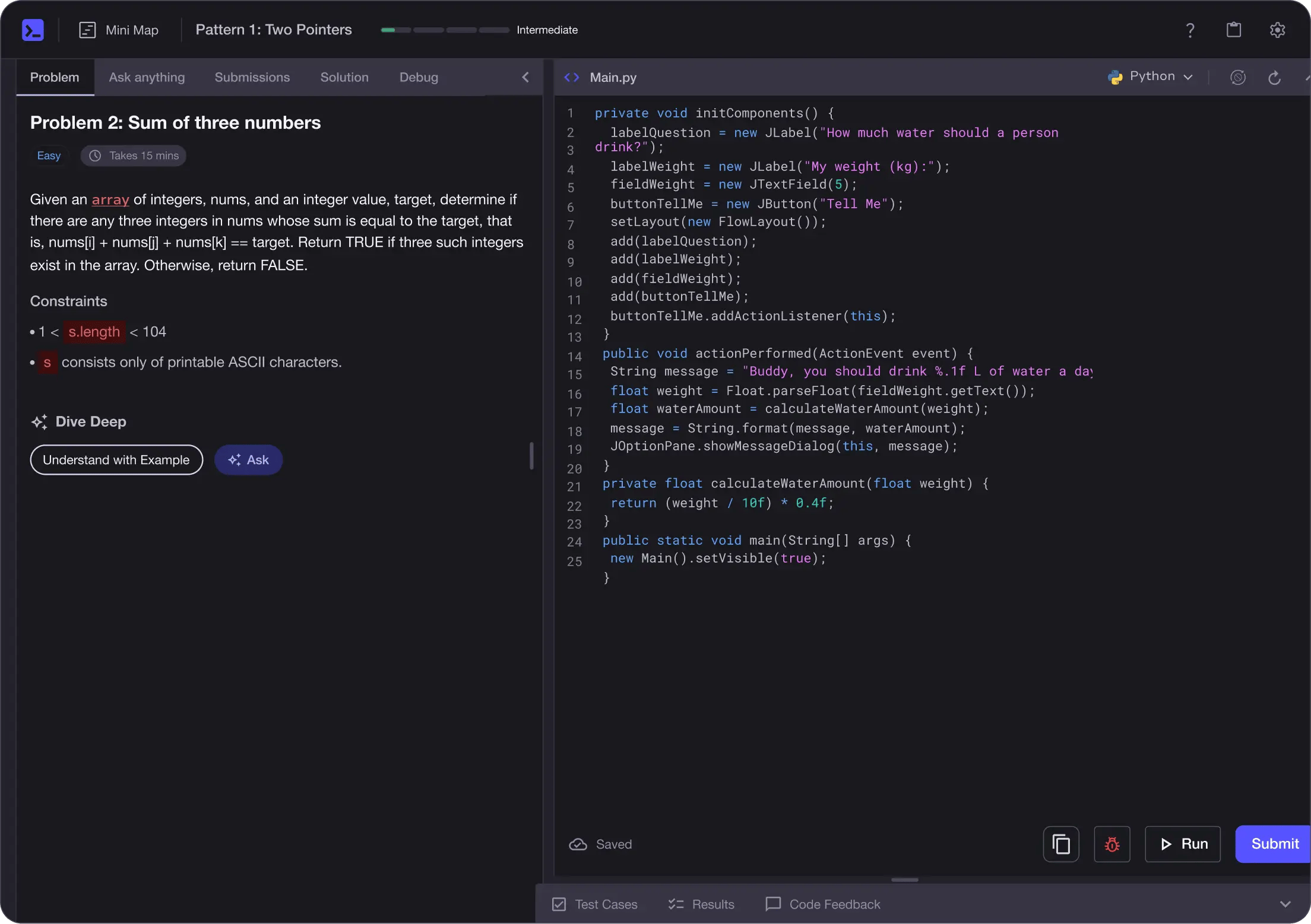
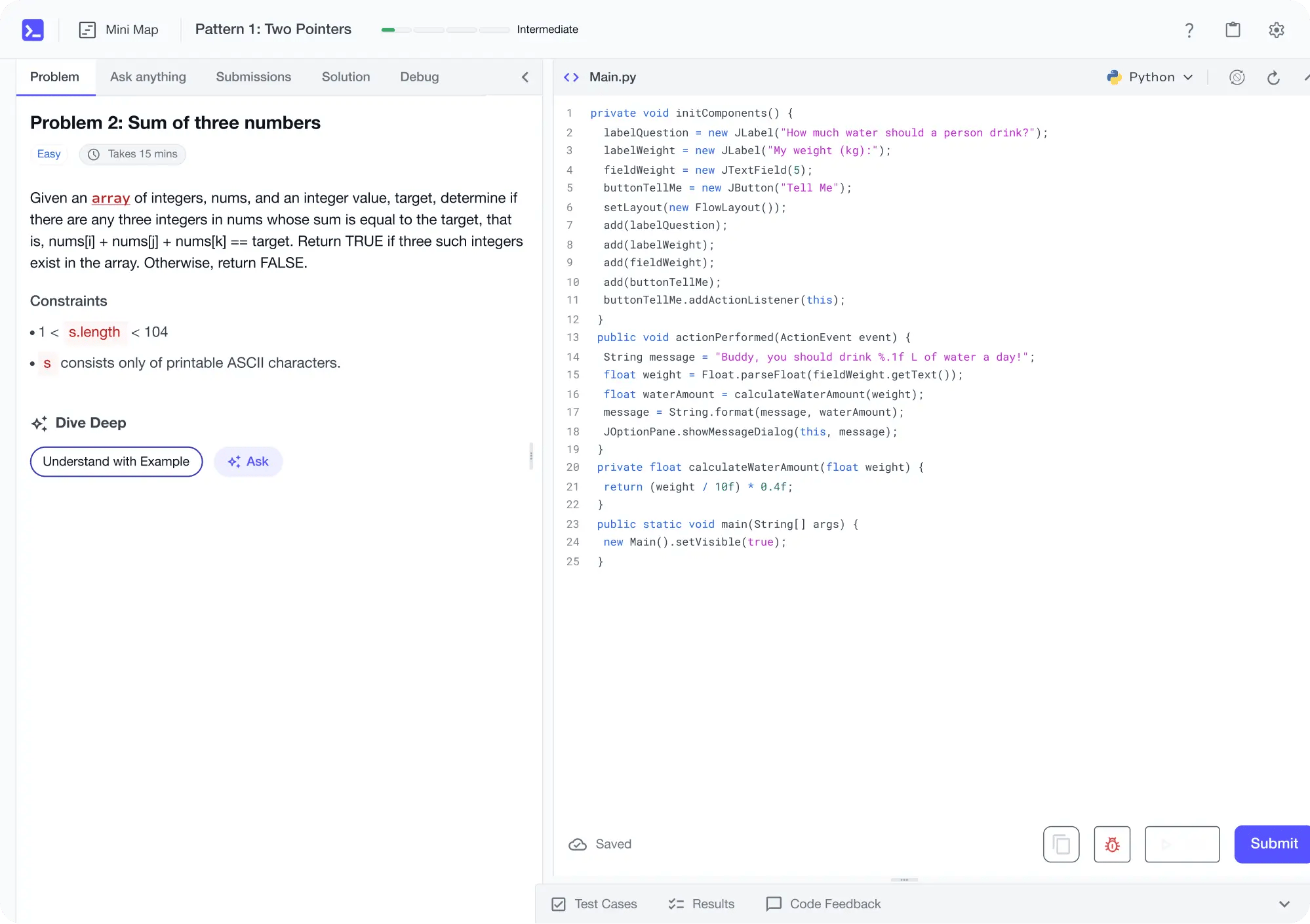
Learn by building with project-based lessons and in-browser code editor
Personalized Roadmaps
The platform adapts to your strengths & skills gaps as you go


Future-proof Your Career
Get hands-on with in-demand skills
AI Code Mentor
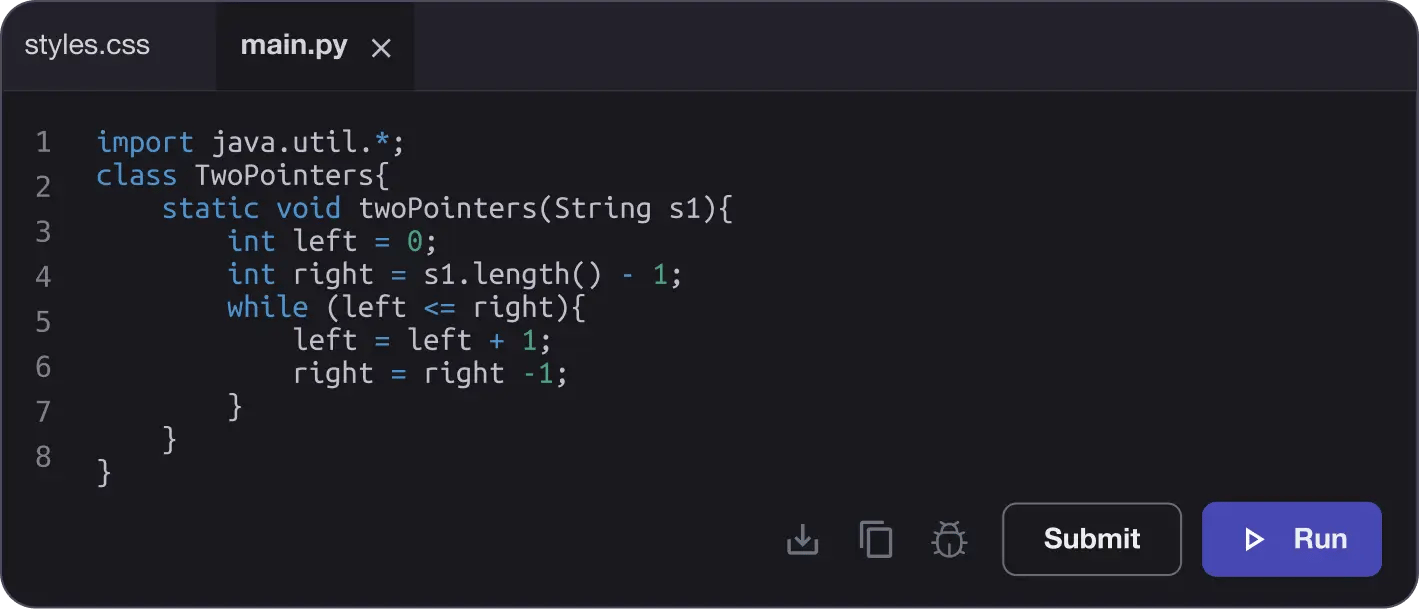
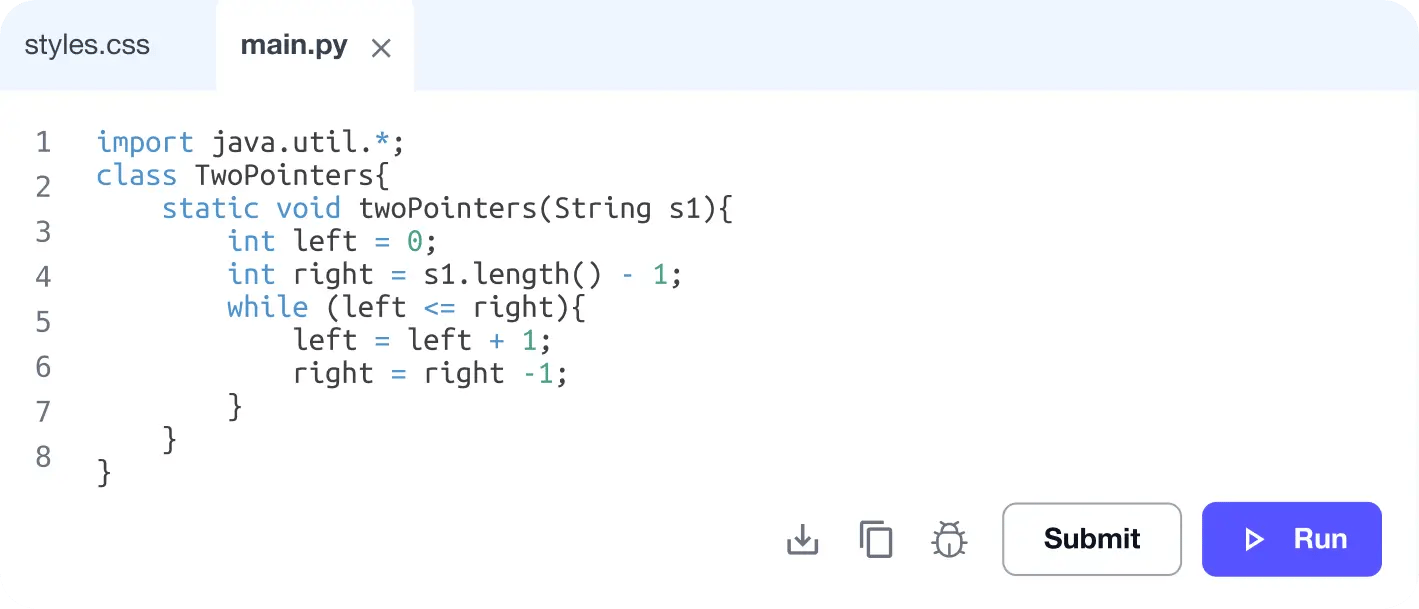
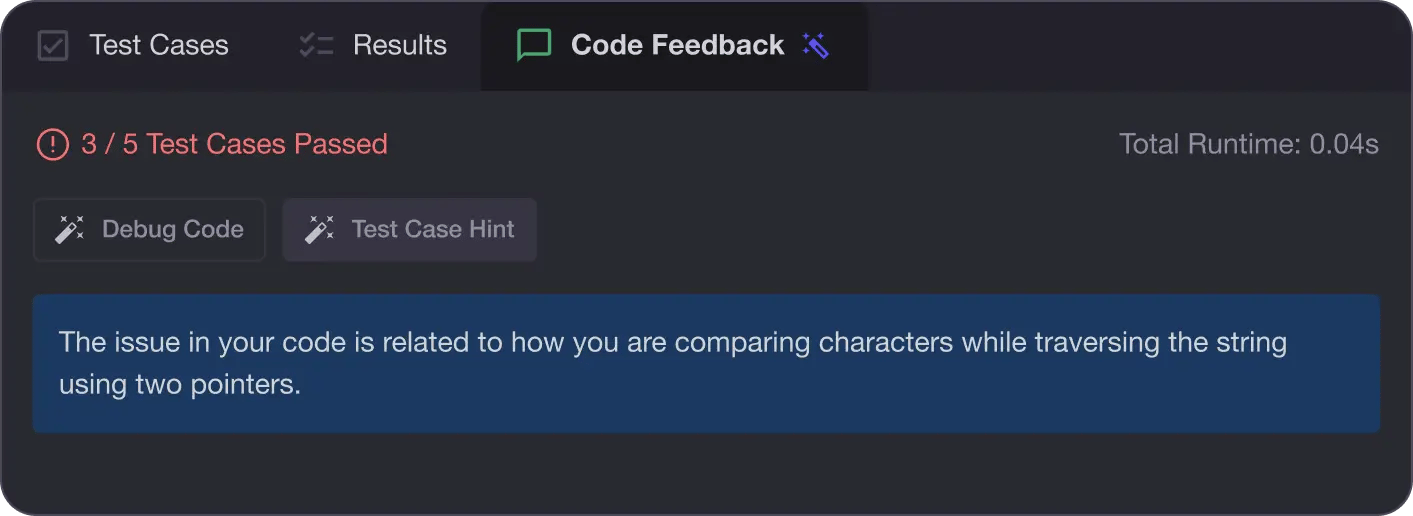
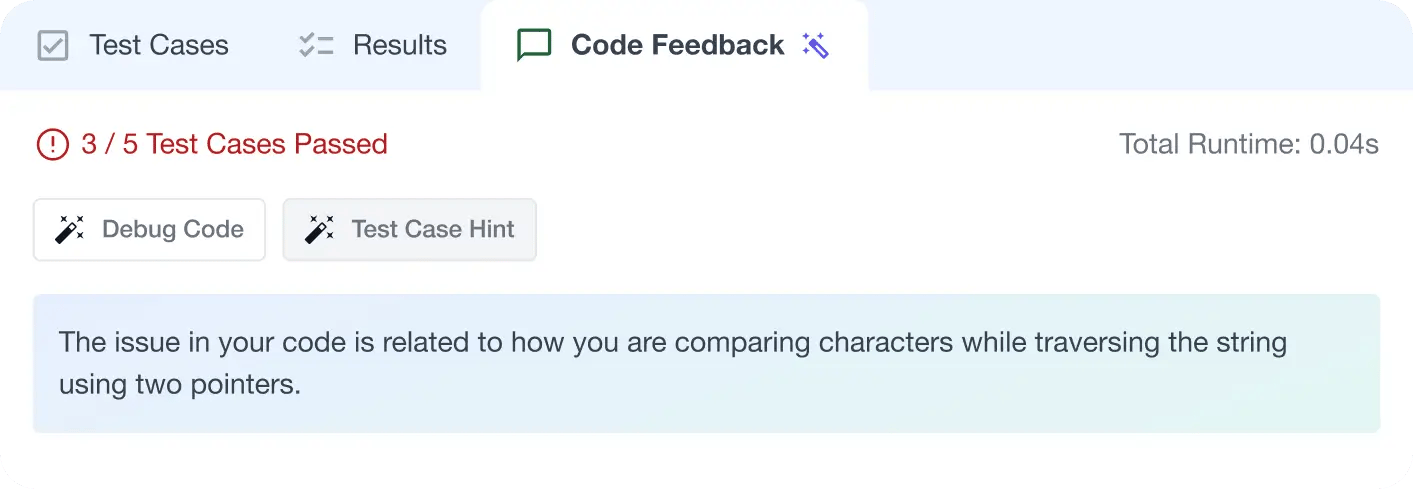
Write better code with AI feedback, smart debugging, and "Ask AI"
MAANG+ Interview Prep
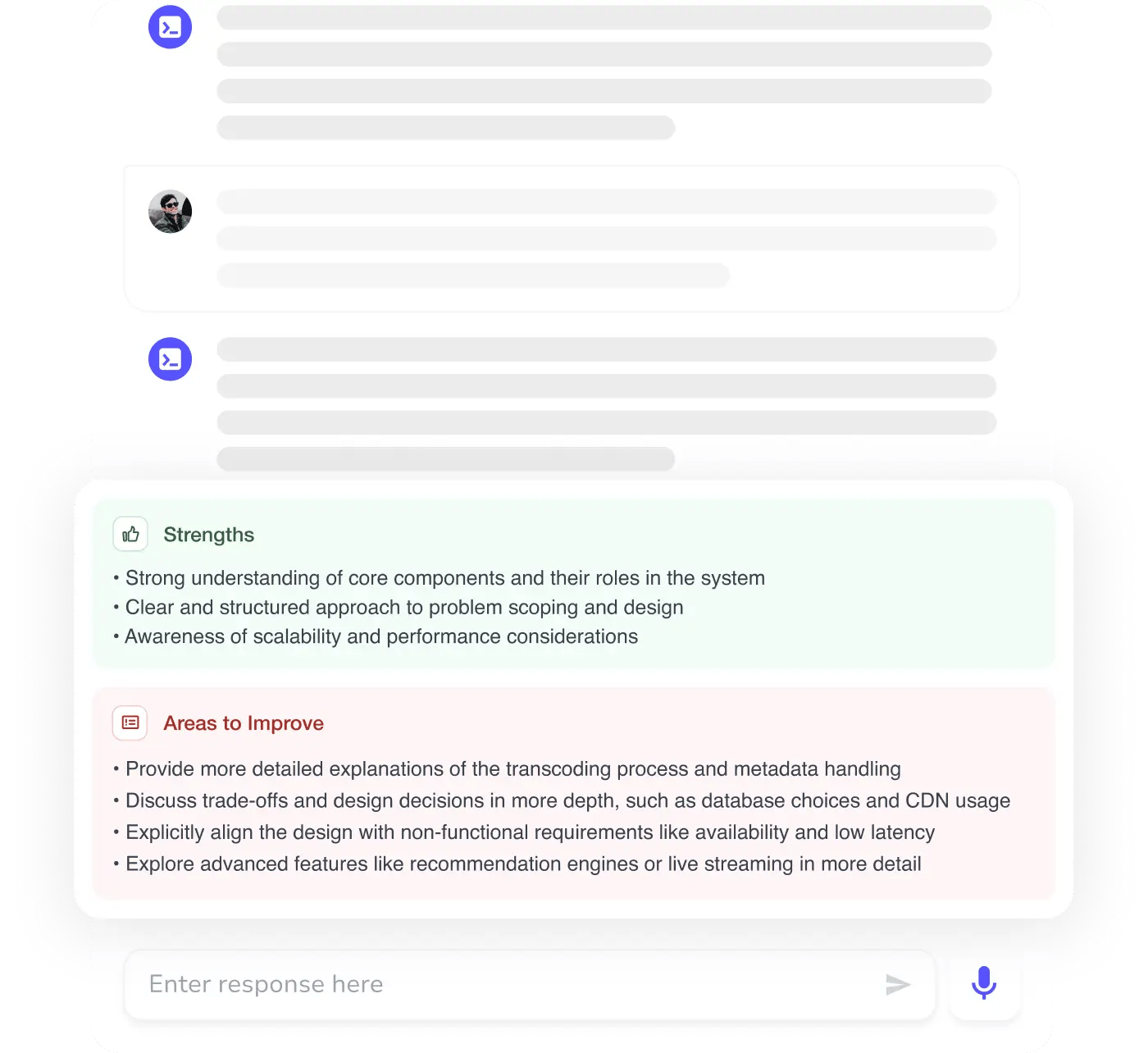
AI Mock Interviews simulate every technical loop at top companies

Free Resources